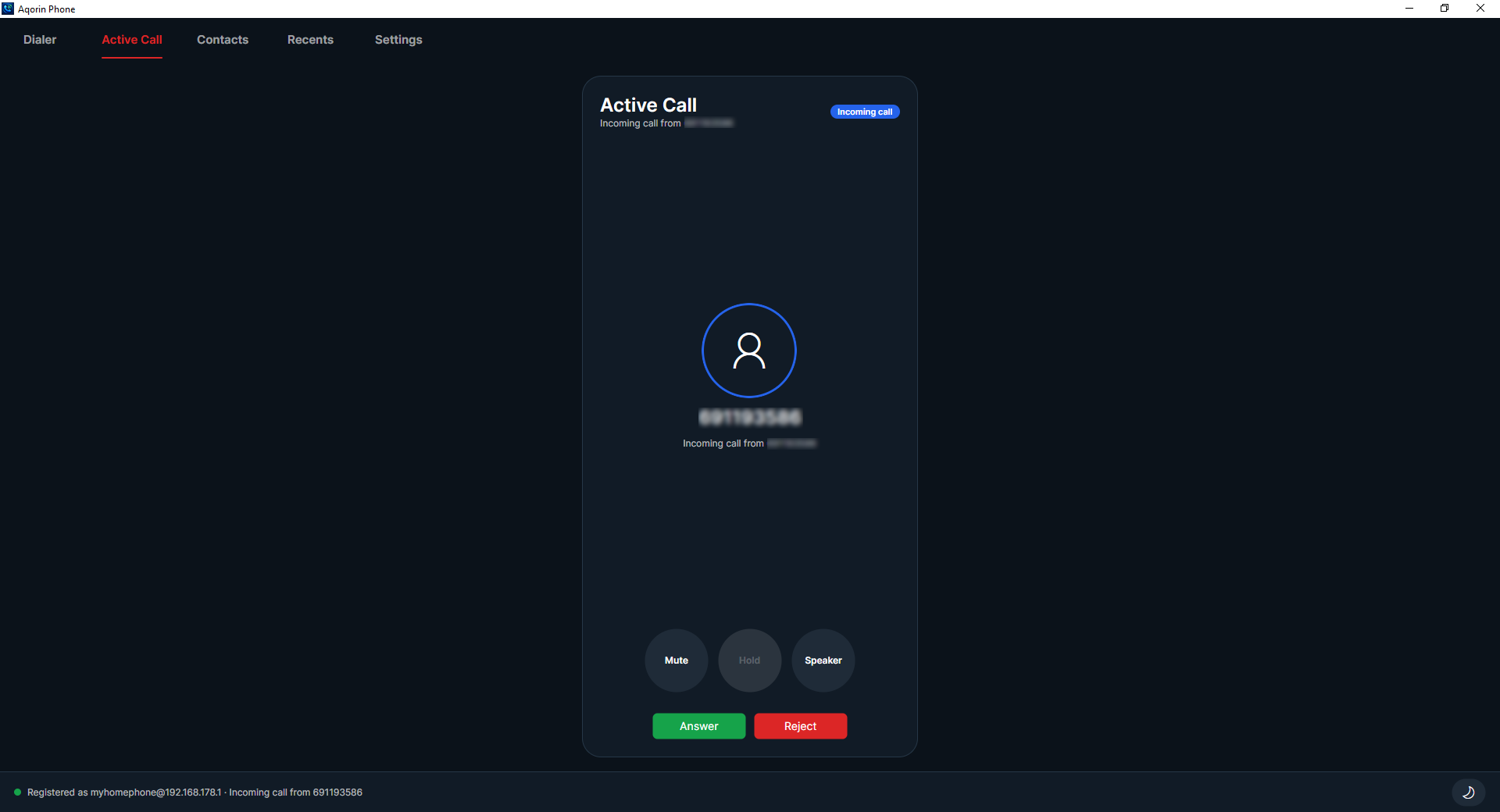
 Incoming calls
Answer or reject immediately.
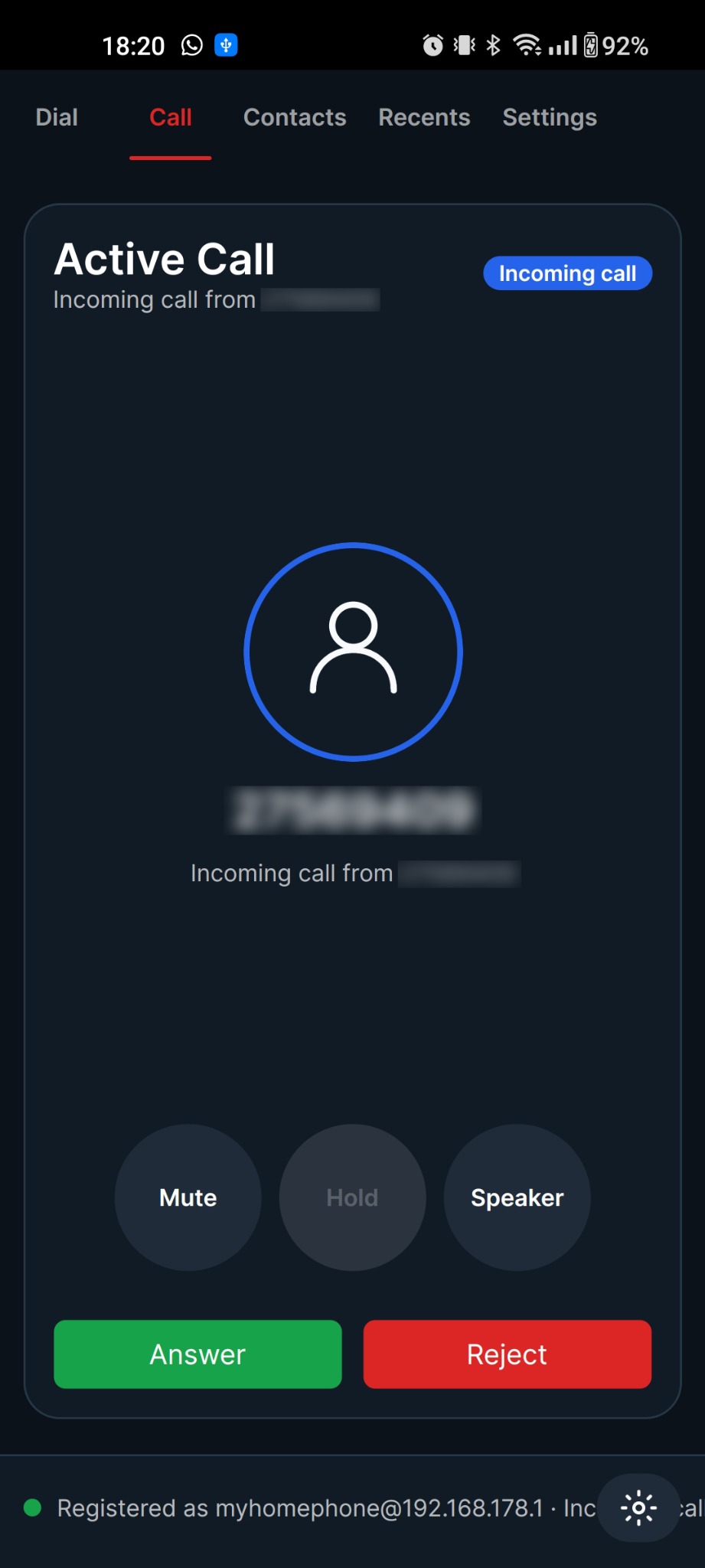
Incoming calls surface on the active-call screen with clear caller identity and large answer/reject controls.
One SIP phone experience across desktop and Android. No in-app calling account, no closed ecosystem, no clutter. Add the SIP credentials from your router or PBX and call.
Desktop installers and the Android APK use the same AQORIN site login as the main page. The apps themselves only need your SIP credentials.
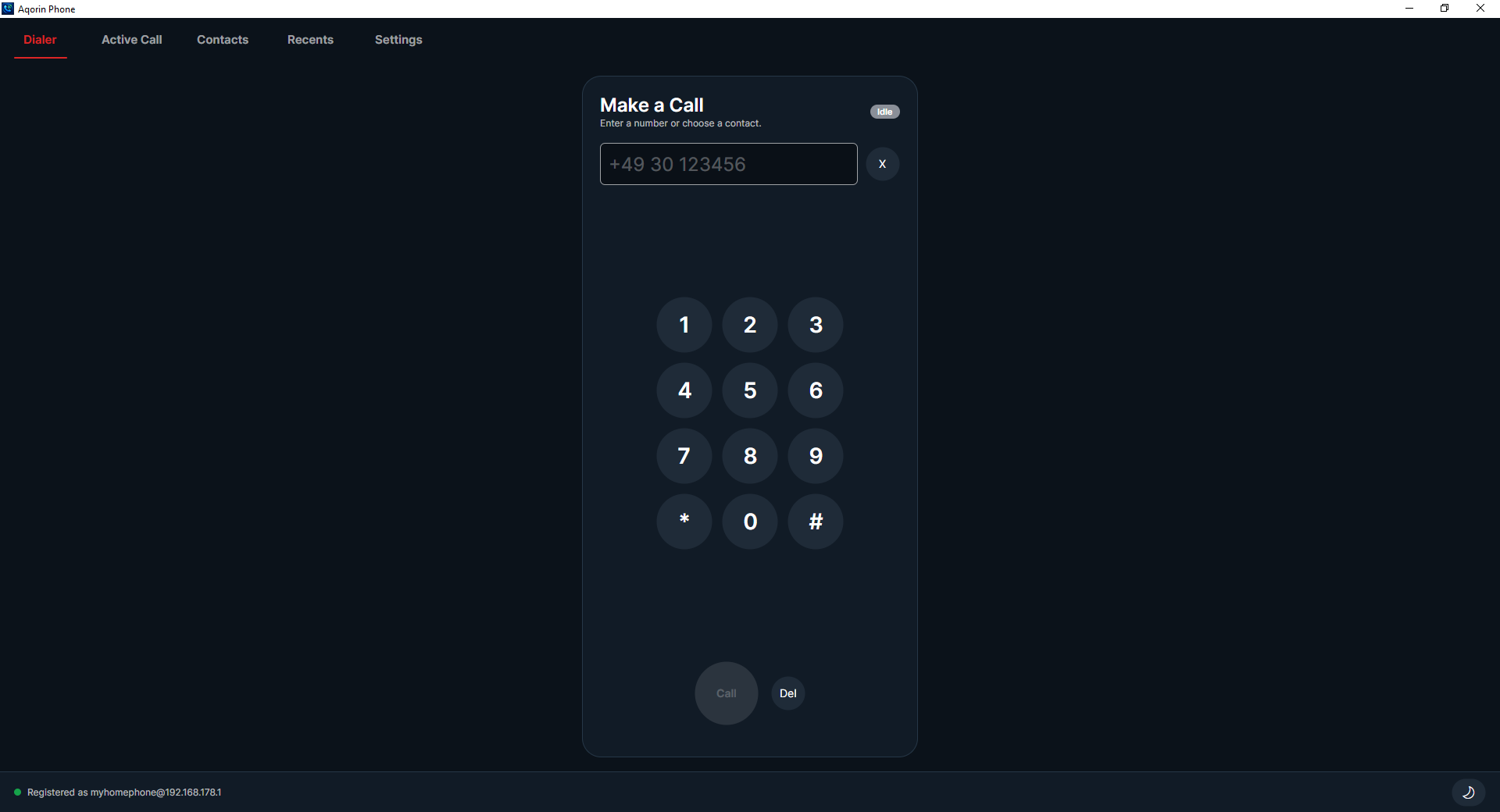
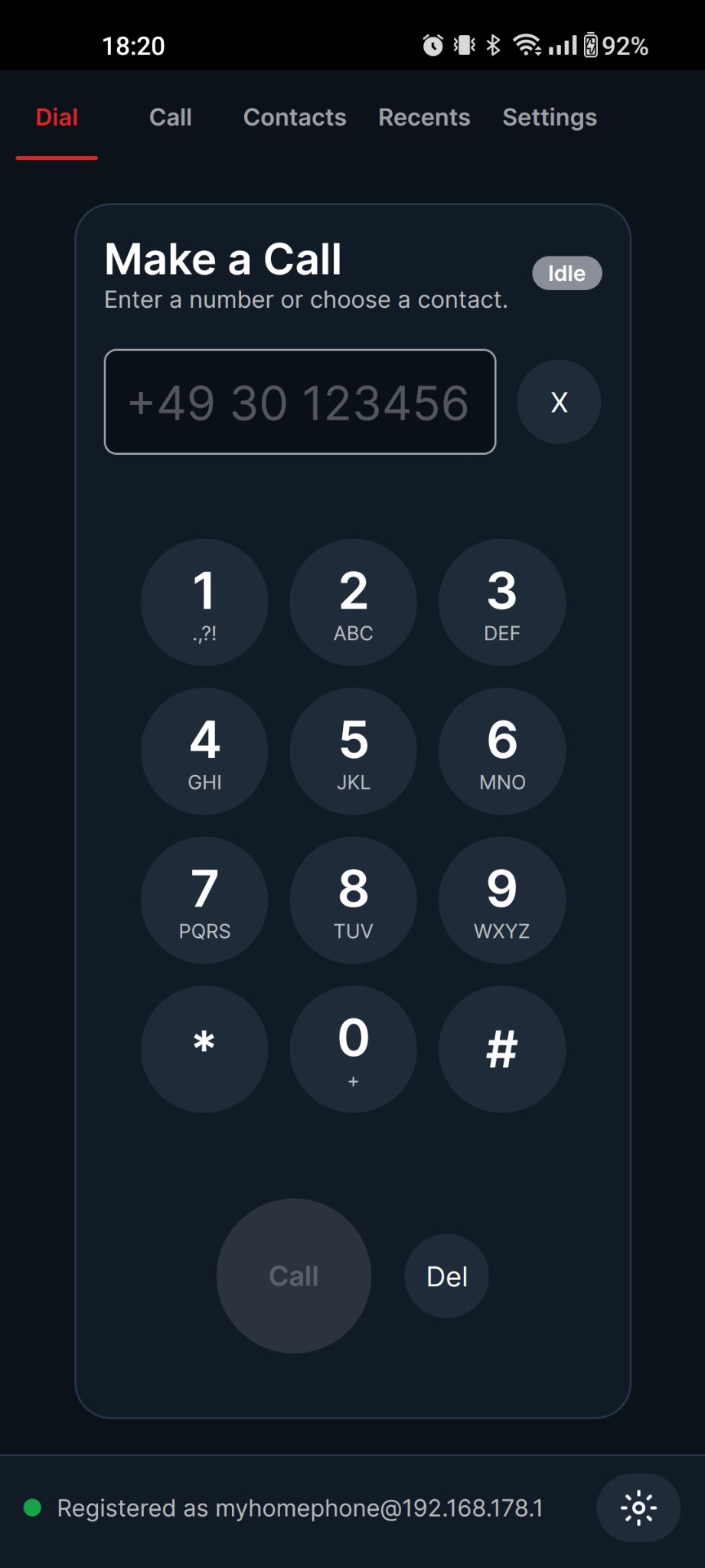
Dial numbers, answer calls, mute, hold, choose speaker output, and keep your contacts and recent calls close.
Incoming calls
Incoming calls surface on the active-call screen with clear caller identity and large answer/reject controls.
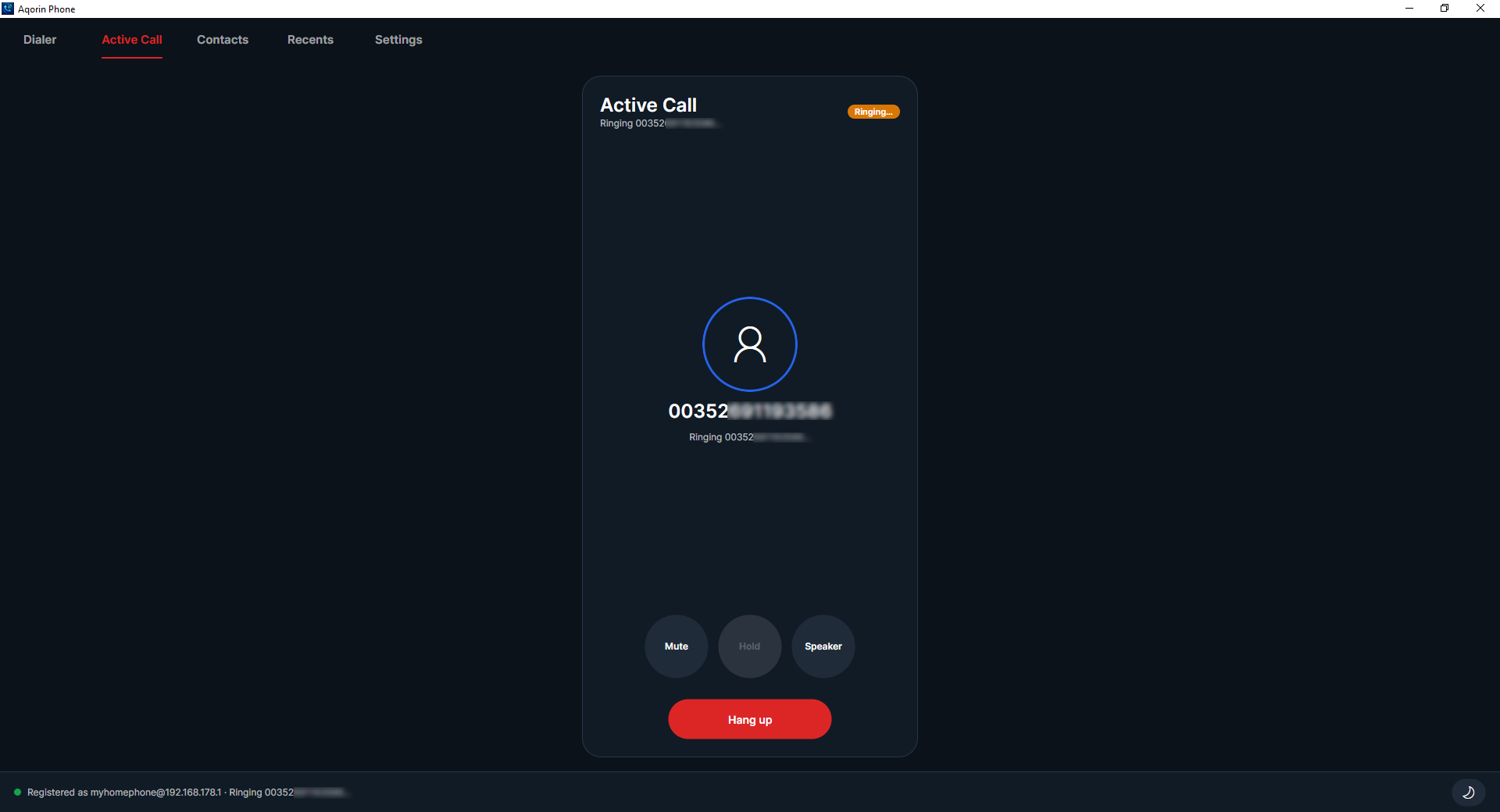 Active calls
Mute, hold, speaker, and hang up are available during the call, with no inactive controls cluttering the screen.
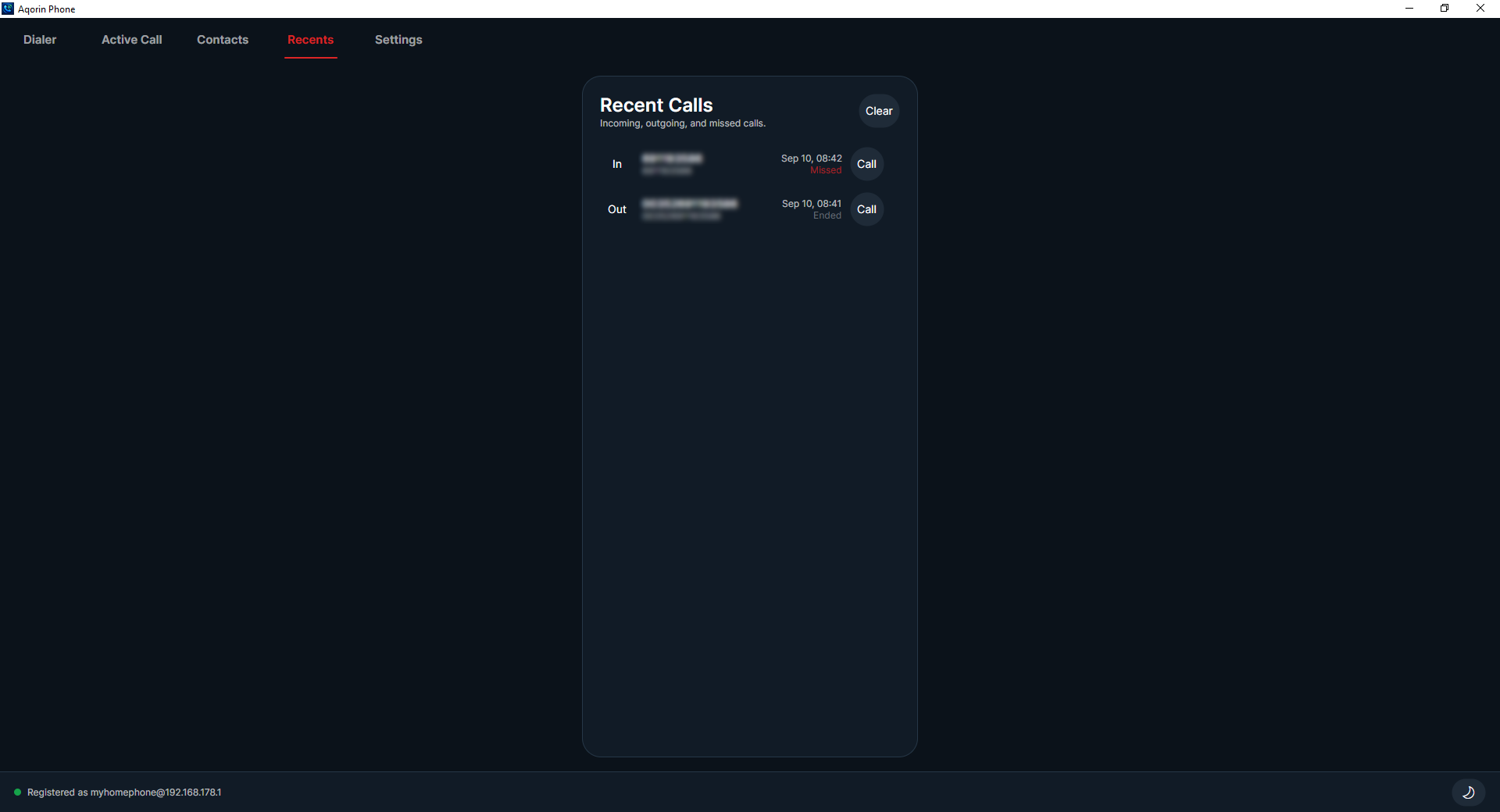 History
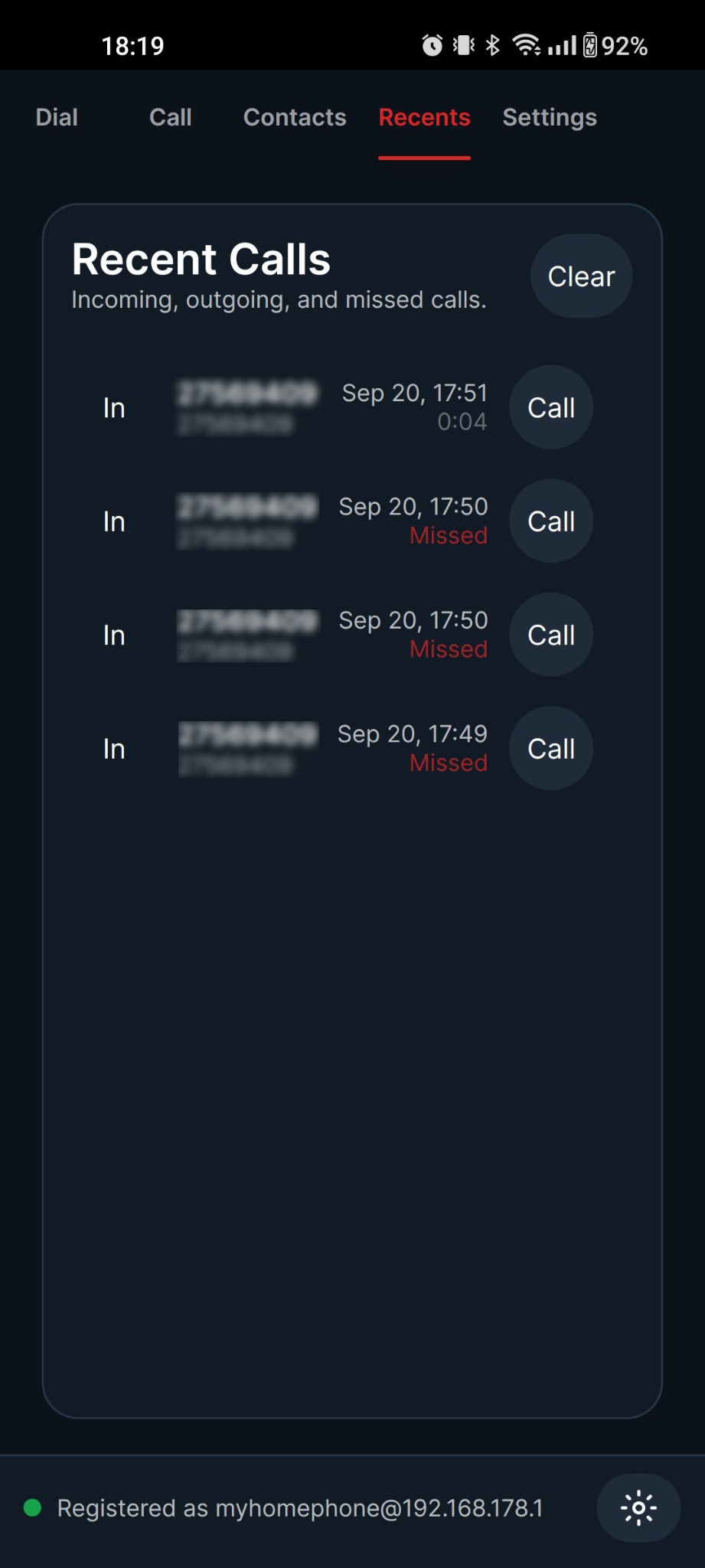
Incoming, outgoing, missed, and ended calls are kept for later reference, with a clear option when you want a clean list.
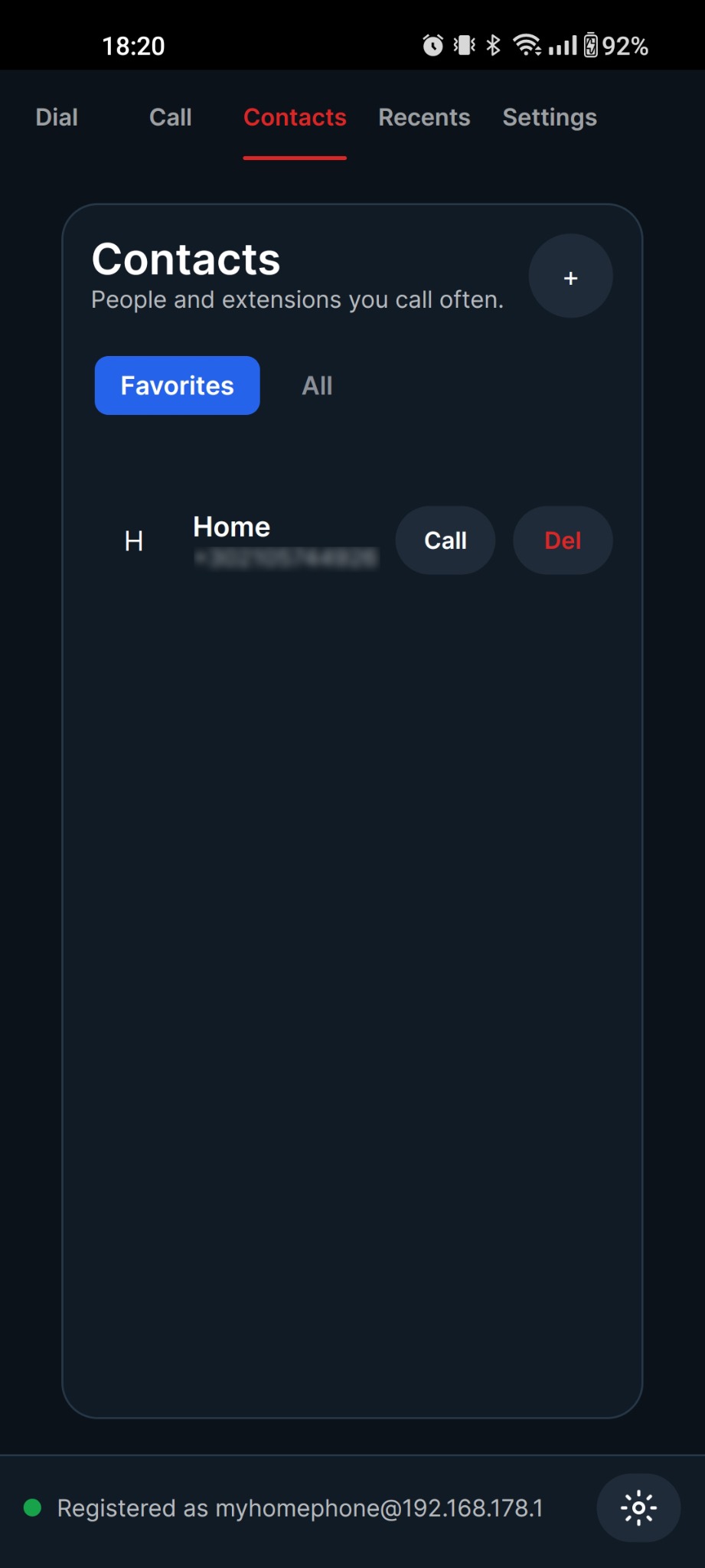
Dial, answer, reject, mute, use speaker mode, keep contacts, and review recent calls from a mobile interface designed around the same Aqorin Phone idea. Register directly against your router or PBX, including FRITZ!Box-style local SIP accounts.
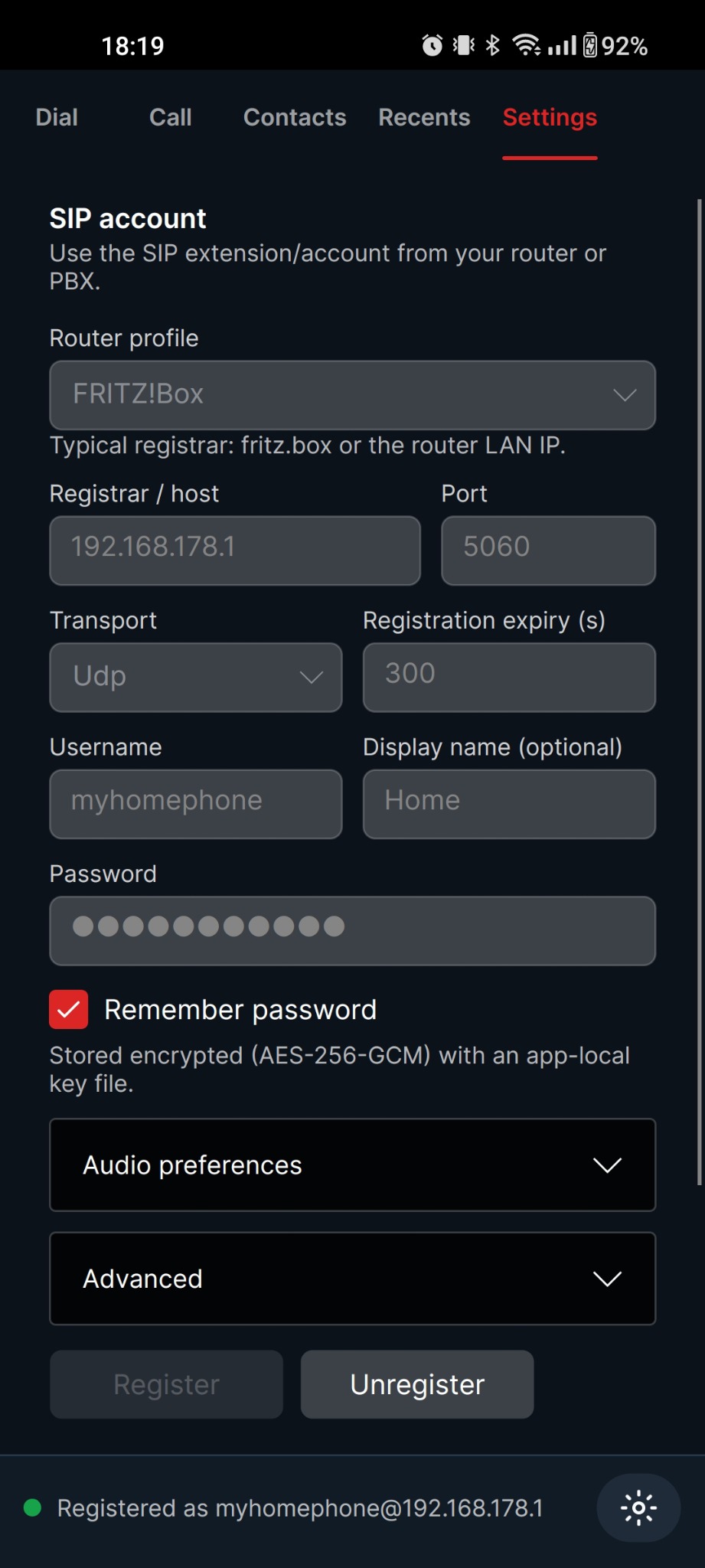
Aqorin Phone is designed around standard SIP registration on desktop and Android, so it can connect to router-hosted phone accounts and PBX extensions that expose SIP credentials. Use a router profile when available, or enter the registrar, port, transport, username, password, and display name manually.
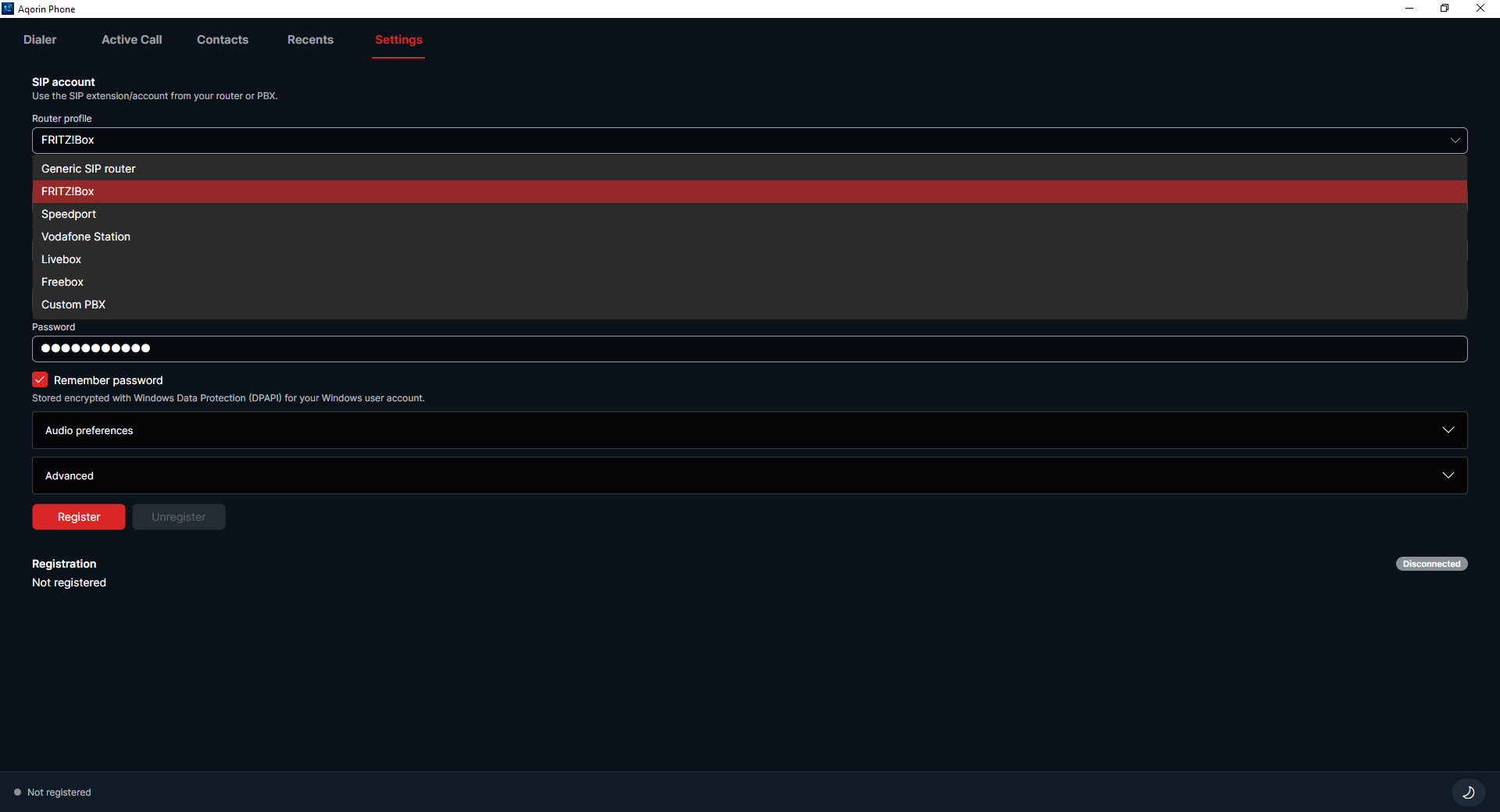
Aqorin Phone uses standard SIP signaling and RTP audio instead of router-specific management APIs. Clone it, fork it, inspect it, or adapt it for your own PBX setup.
Add frequently called people and internal extensions, switch between favorites and all contacts, then place calls from the list.
Choose microphone, speaker, ringing device, and call behavior without leaving the app.
Use a bright desktop-friendly layout during the day or switch to a darker phone-console look for low-light work.
Saved SIP settings and call history remain available across restarts on the same machine.
Choose your platform below. If you are not logged in, the site will ask you to authenticate first and then continue to the selected installer or APK.